



Shann Holmberg
Head of Product
Insights, strategies, and real-world playbooks on AI-powered marketing.
MAR 13, 2026
AI Agents for Small Business Automation: Use Cases That Actually Work
AI agents for small business automation represent a significant advancement in business operations, particularly for teams under 150 people. However, the gap between overly simplistic off-the-shelf tools and expensive enterprise solutions leaves many growing SaaS, fintech, and marketing agencies struggling to find practical implementations.
What an AI Agent Actually Does (and Doesn’t Do)
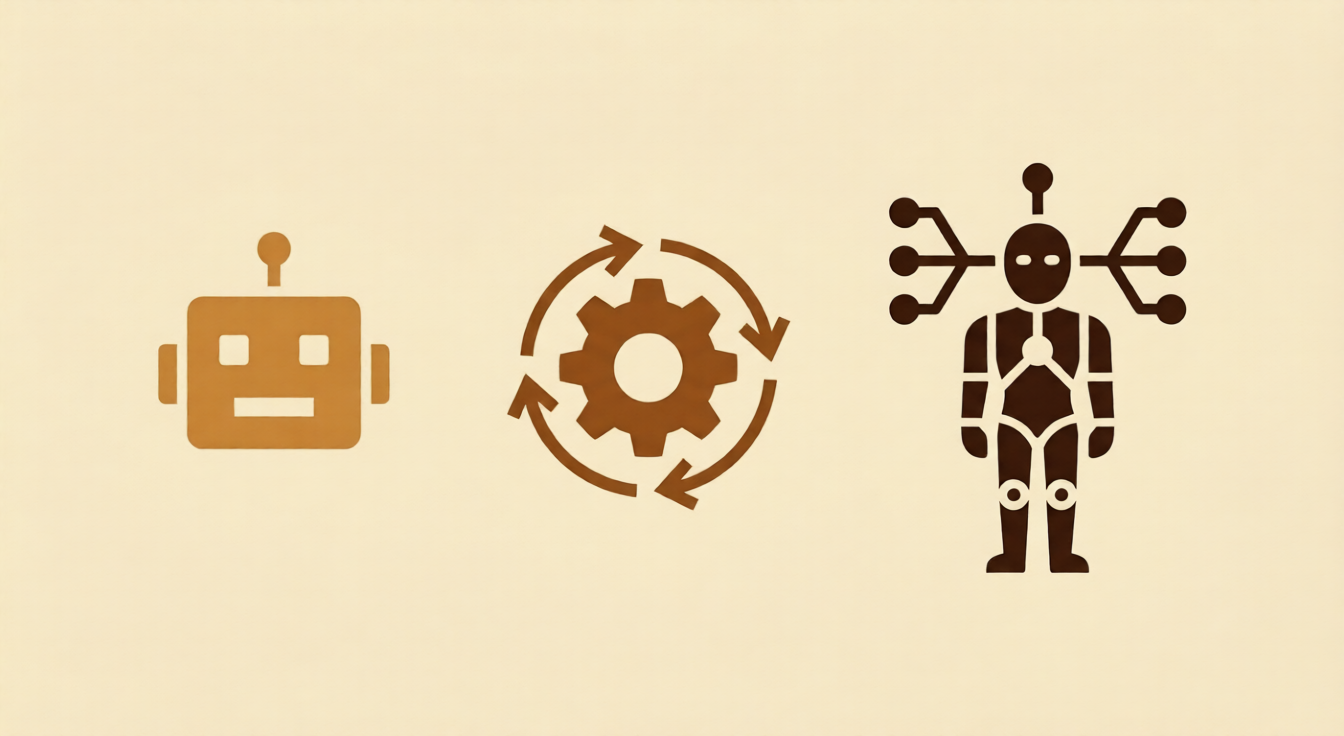
The distinction between agents, chatbots, and workflow automation is crucial:
- Chatbots respond to questions within defined scopes, handling single-turn Q&A and fixed scripts best suited for FAQs
- Workflow Automation follows fixed if/then logic with triggers, working well for rule-based, predictable sequences like notifications and routing
- AI Agents receive goals, determine steps independently, use tools, and adapt based on findings—ideal for multi-step, judgment-requiring tasks such as lead research and content pipelines
For small businesses, AI agents bridge the gap by handling complex tasks too repetitive for senior staff but too nuanced for simple automation rules.
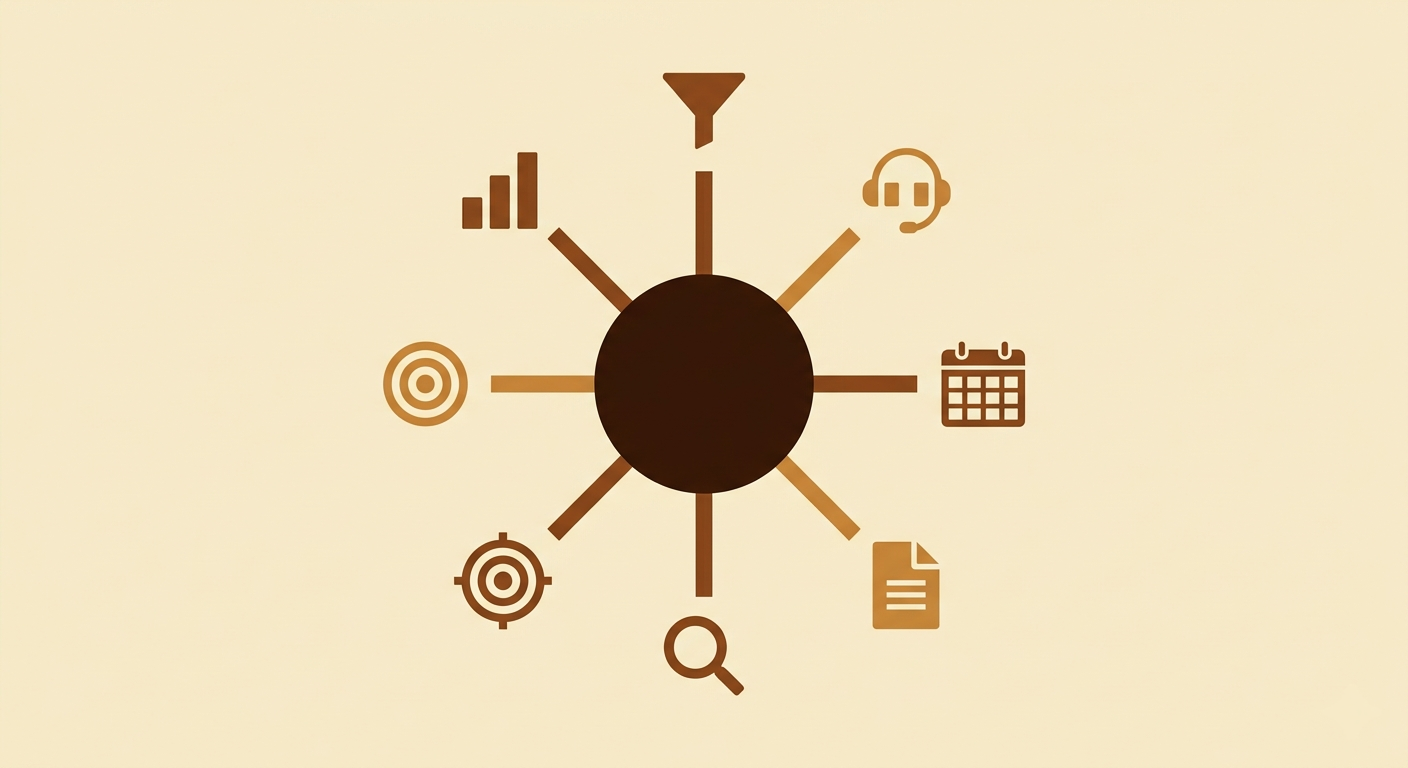
7 AI Agent Use Cases for Teams Under 150 People
1. Lead Qualification and Routing
An AI agent monitors inbound channels, evaluates leads against your ideal customer profile, enriches data with company information, scores leads, and routes them with drafted outreach messages. Teams save 8–15 hours weekly and deployment takes 1–2 weeks.
2. Customer Support Triage
AI agents categorize tickets, pull relevant documentation, draft responses for common issues, and escalate complex cases with context summaries. This approach maintains rapid response times without requiring dedicated support staff. Time savings: 5–10 hours weekly.
3. Content Repurposing and AI Content Calendar Automation
A single long-form article becomes a LinkedIn post, email segment, Twitter threads, and social quotes—each adapted for its platform. Content leaders review rather than write variations. This extends to full calendar automation maintaining multi-channel publishing at reduced production time.
4. Invoice and Contract Processing
Agents extract key terms from contracts, flag deviations from standard language, categorize invoices, match purchase orders, and route approvals. This eliminates manual data entry and reduces error risk. Time recovered: 3–6 hours weekly.
5. Competitive Intelligence Monitoring
Continuous monitoring of competitor websites, pricing, and news generates weekly digests highlighting meaningful changes. Instead of half-day manual research sessions, teams receive curated summaries. Time savings: 4–8 hours weekly.
6. Outbound Prospecting and AI Agents for Lead Generation
The most capable implementation combines prospect research, intent signal monitoring, personalized outreach drafting, and CRM enrichment. The agent surfaces warm leads with context-rich briefings and triggers sequences before sales review. Time recovered: 10–20 hours weekly with 2–4 week deployment.
7. Automated Marketing Reporting
Agents pull data from ad platforms, SEO tools, CRM dashboards, and analytics—formatting structured reports with highlighted anomalies. No manual aggregation required. Time savings: 4–8 hours weekly.
How to Deploy Your First AI Agent: A Practical Framework
-
Select a single, narrow use case where the research-decide-act loop is clear and errors are easily caught. Lead qualification and content repurposing are strong starting points.
-
Define inputs, outputs, and guardrails explicitly. Document what data the agent starts with, what good output looks like, and when human escalation is necessary.
-
Run in parallel for two weeks. Compare agent output quality against manual benchmarks and identify edge cases. This calibration period is essential before full deployment.

-
Measure three metrics: time recovered weekly, output quality versus manual work, and team adoption rates. If your team isn’t using the output, investigate why before expanding.
-
Expand gradually. Once one process stabilizes, apply the same framework to your next pain point. Teams with 11–50 employees typically deploy three to five agents within their first quarter.
ROI typically appears within the first month, with 15–25 hours weekly recovered as a common baseline for companies in the 11–50 employee range.
What It Costs and How Long It Takes

- Simple agents (single task, clear rules): operational within days at low cost
- Multi-step agents (several tools, layered decisions): 2–4 weeks deployment; higher build cost justified by weeks of time recovery
- Full pipeline agents (lead generation plus outreach plus CRM): 4–8 weeks; highest ROI ceiling with payback in weeks for active sales operations
Custom agents outperform off-the-shelf tools for growing companies because they eliminate specific bottlenecks rather than offering generic features requiring workarounds.
Why Practitioner Experience Matters in Agent Deployment
The difference between agents that work in demonstrations and those functioning in production environments depends on operational knowledge. Understanding actual team workflows, where data becomes messy, and which edge cases break agent logic requires real-world experience, not theoretical knowledge.
Common Mistakes When Deploying AI Agents for Small Business
- Deploying agents for undocumented processes — if workflows aren’t clear to humans, agents won’t understand them either
- Starting with the most complex process — begin with narrow, high-frequency tasks where errors are easily caught
- Skipping the parallel run period — two weeks of side-by-side comparison reveals edge cases before they cause problems
- Ignoring team adoption — agents your team distrusts or doesn’t use provide no time savings; include end-users in calibration
- Building without escalation logic — agents need clear rules for human escalation; those attempting to handle everything generate errors that erode trust
FAQ: AI Agents for Small Business Automation
What are AI agents for small business automation?
AI agents are systems receiving goals, determining necessary steps, using tools and data sources, and adapting based on findings without manual intervention at each stage. Unlike chatbots, they handle multi-step tasks involving information gathering, judgment calls, and action-taking.
What’s the difference between an AI agent and a chatbot?
Chatbots follow scripts answering FAQs within defined scopes. Agents operate autonomously, determining their own steps, using multiple tools, making decisions based on findings, and taking action—better suited to research-decide-act loops currently consuming senior team time.
What are the best AI agent use cases for small businesses?
Highest-ROI cases include AI agents for lead generation (prospect research, scoring, outreach drafting), content repurposing through AI content engines, customer support triage, automated marketing reporting, and competitive intelligence monitoring.
How much does it cost to build a custom AI agent?
Simple agents handling single tasks deploy within days at relatively low cost. Multi-step agents take 2–4 weeks. Full pipeline agents take 4–8 weeks. ROI for 11–150 employee companies typically appears within the first month through measurable time recovery and pipeline impact.
How do AI agents help marketing agencies scale?
Agencies automate operational tasks consuming 40–60% of team capacity: content repurposing, client reporting, lead qualification, outreach personalization, and calendar automation. The same team produces significantly more output without adding headcount, with agencies reporting 3–10x content output and 50–70% reporting time reduction.
What is an AI content engine for small businesses?
Content engines take briefs or source material and produce finished content across formats—blog posts, social copy, email sequences, ad creative—without manual production for each piece. Production time typically reduces by 60–80% while increasing overall volume.
How long does deployment take?
- Prompt-based or simple rule-based agents: hours to days
- Single-workflow agents (content repurposing, support triage): 1–2 weeks including testing
- Multi-step agents (lead qualification, outreach pipelines): 2–4 weeks
- Full pipeline agents (end-to-end lead generation plus CRM): 4–8 weeks
Two weeks of parallel running is standard before going fully live on critical processes.



